
How to Avoid Costly Mistakes in Laser Cut Fire Pit & Grill DXF Designs


If you run a CNC laser, plasma, or waterjet cutting business, you already know that fire pits and flat-pack grills are among the most profitable products to sell. They are in high demand, practical, and perfect for shipping when designed as a “flat-pack” interlocking system.
However, cutting a fire pit isn’t just about finding a beautiful silhouette on the internet. A bad DXF file can cost you hours of wasted machine time, ruined sheet metal, and frustrated customers.
In this guide, we’ll break down the most common design flaws in fire pit DXF files and show you what to look for before you hit the “Start” button on your CNC controller.
1. The Trap of Incorrect Material Thickness (The Slot Problem)
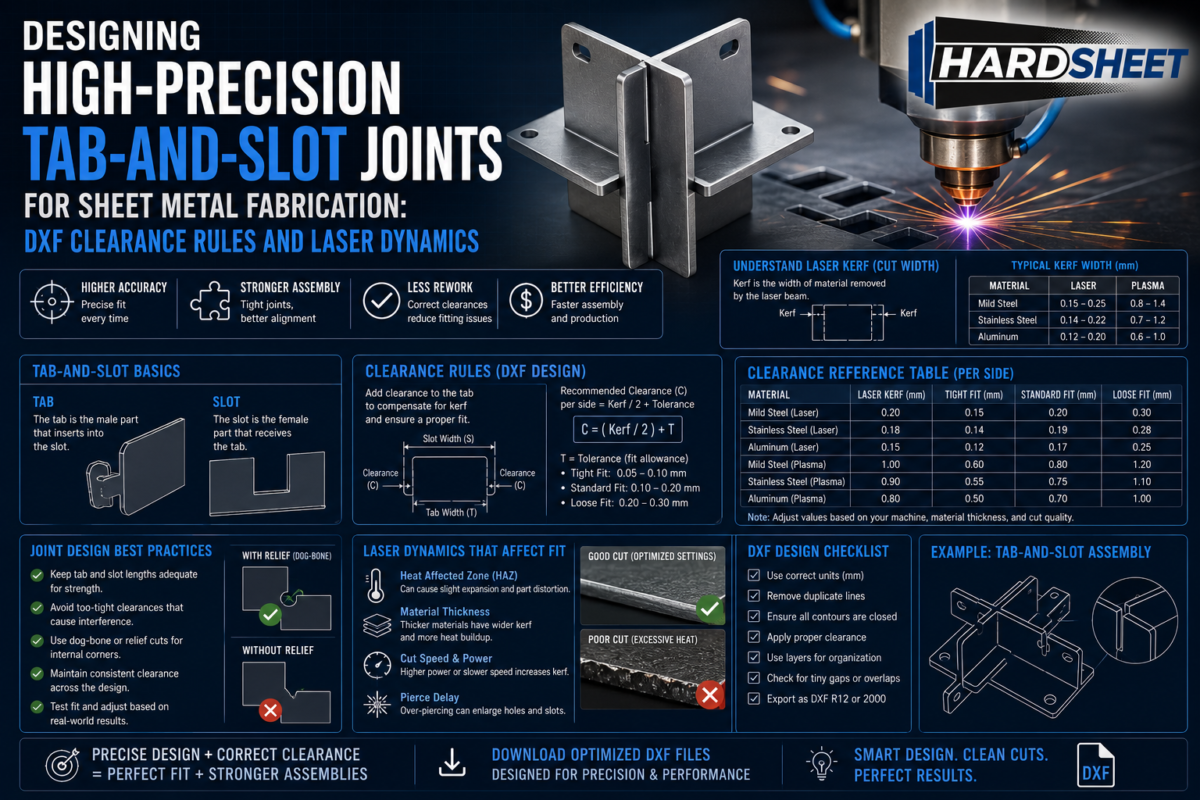
The biggest nightmare of flat-pack grill designs is the interlocking slots. If a design is made for 3mm (approx. 11 gauge) steel, you cannot scale the DXF up or down freely to use 4mm or 2mm sheet metal.
-
What happens if you scale incorrectly? The slots will either be too tight to assemble after the metal warps under heat, or too loose, making the fire pit unstable and dangerous.
-
The SEO/Technical Fix: Always check the exact material thickness specified by the designer. Premium DXF stores provide files optimized for specific standard gauges rather than generic, auto-scaled vectors.
2. Ignoring Thermal Expansion and Warping
Steel expands when it gets hot. A fire pit experiences extreme temperature cycles. If a DXF design is too rigid or lacks proper ventilation/relief cuts, the heat will warp the side plates within the first three uses.
-
Look for Thermal Reliefs: Professional DXF designs include subtle expansion slots or strategically placed cutouts that allow the metal to breathe and expand without buckling the entire structure.
-
Airflow is Key: A great grill layout must have optimized bottom air intake holes. Poor airflow means incomplete combustion, excessive smoke, and uneven heat distribution.
3. Open Loops and Double Lines (The CNC Killer)
Have you ever loaded a cheap DXF file into your CAM software (like CypCut, LaserCut, or SheetCAM) only to find out the laser head jumps randomly or cuts the same line twice?
-
Double Lines: This burns the edges, ruins the nozzle, and wastes gas.
-
Open Vectors: If the lines don’t connect perfectly, your software won’t recognize the inner and outer cuts properly, leading to failed parts.
-
Our Promise: Clean geometry is the difference between a amateur hobbyist drawing and a professional production-ready CAD model. Every line must be joined, and every arc must be smooth.
4. Excessive Nodes and Jagged Edges
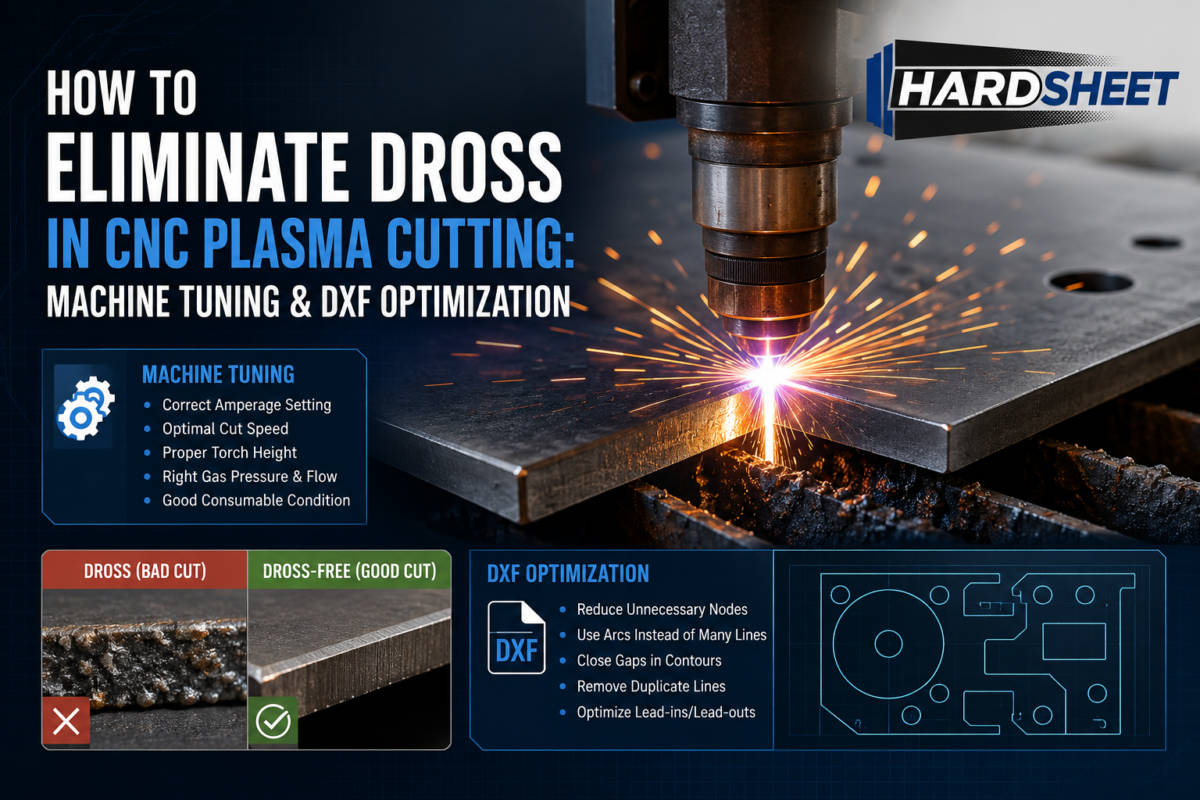
Many free DXF files found online are simply raster images auto-traced into vectors. This creates thousands of unnecessary nodes (points) on a single line.
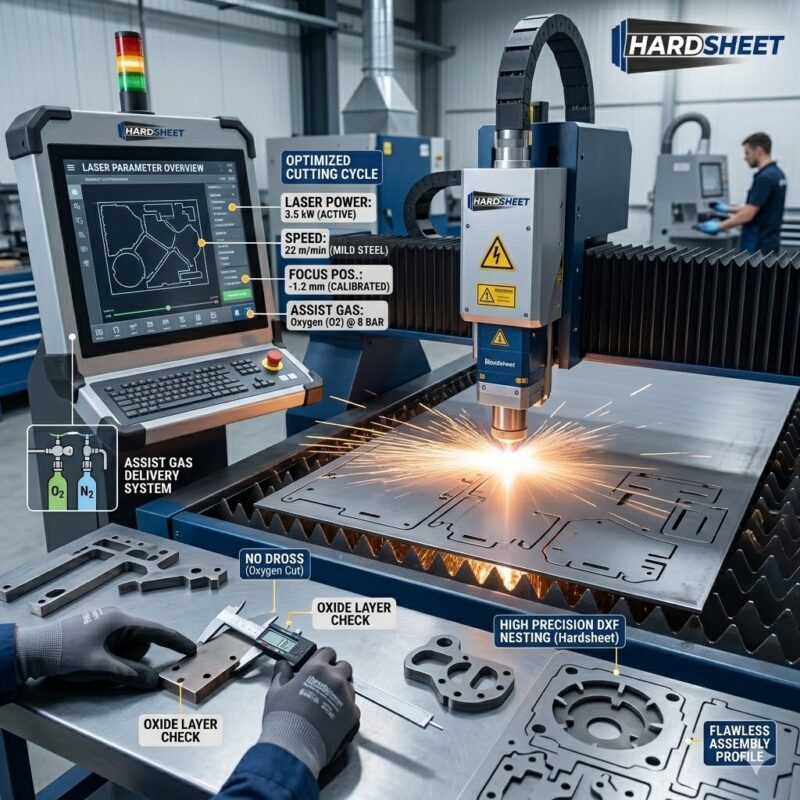
When your CNC machine encounters too many nodes, it slows down, stutters, and leaves heavy dross and jagged edges on the metal. A professional sheet metal draftsman manually draws and optimizes every curve with clean arcs to ensure the laser head glides smoothly, saving you post-processing and grinding time.
Conclusion: Ready to Cut Hassle-Free Designs?
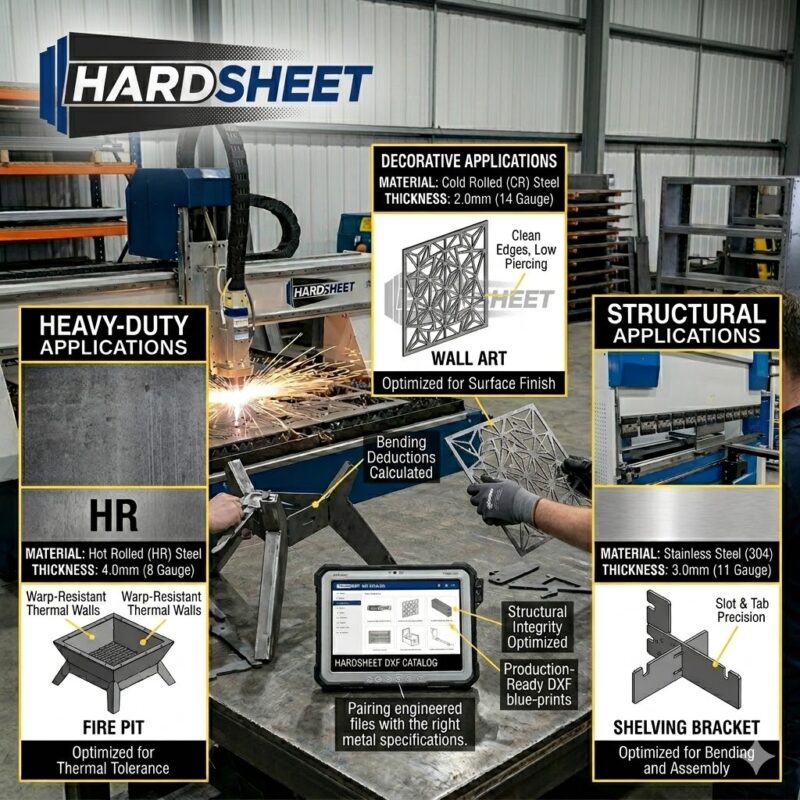
At Hardsheet, we don’t just trace images; we engineer sheet metal products. As technical draughtsmen with years of hands-on experience in CAD and metal processing, we design our DXF files with precise tolerances, correct bending allowances, and clean geometry optimized for real-world manufacturing.
If you want to save time, eliminate scrap metal, and manufacture flawless, heavy-duty fire pits and grills that your customers will love, check out our tested collection.
https://hardsheet.com/product-category/fire-pit/



Precisely what I was searching for, appreciate it for putting up.